 HiWhiteboard
A whiteboard for ideas. A Kanban board for tasks.
Free whiteboard and Kanban boards. No sign-up. Sketch ideas, organize tasks, and start from ready-to-use templates. Your boards stay in this browser.
- No account
- Saved in this browser
- PNG, SVG, and backup exports
Two tools for two kinds of work
Online whiteboard
Draw, write, add shapes, arrows, and images on an open canvas. Good for sketches, diagrams, and lesson notes.
Kanban board
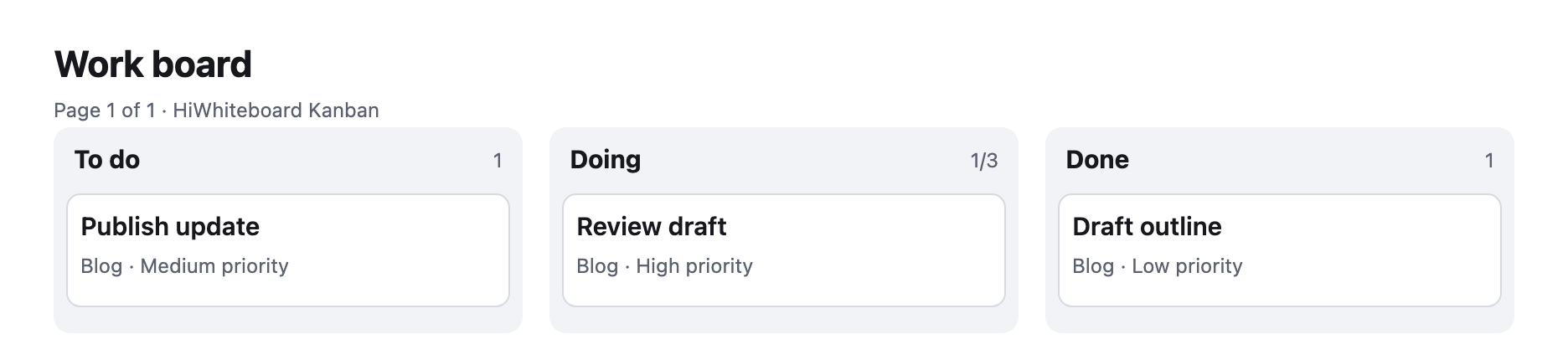
Real cards in columns: add, edit, drag between columns, set WIP limits, filter, and undo.
Start from a template
Each template opens as your own editable copy. Browse all templates.

 Whiteboard
Classroom whiteboard template
Topic and date header, a working area, key points, and practice questions.
 Whiteboard
Retrospective template
Start, Stop, and Continue sections with example notes and action items.
 Whiteboard
Flowchart template
Start, Draft, Review, an Approved? decision, and Publish, with a rework loop.
How it works
- Open a tool or template. No sign-up and no pop-ups; you can start immediately.
- Work on your board. Changes save automatically in this browser, and the toolbar shows when they are saved.
- Export or back up. Download an image to share, or an editable file you can import later on any device.
Where your boards are kept
Boards are stored in your browser on this device, not in an online account. That keeps things simple and private, but it also means clearing site data or switching browsers can make boards unavailable. Download a backup of anything important. HiWhiteboard is for one editor at a time; it does not offer live collaboration. Read the privacy details.
Questions
Do I need an account to use HiWhiteboard?
No. You can open a whiteboard or Kanban board without creating an account. Boards are stored in this browser, so an account is not available for restoring them on another device. Download an editable backup when you want to move or keep a copy of your work.
Is HiWhiteboard free?
The whiteboard, Kanban tool, templates, and supported exports are free to use. There is no subscription or payment step in the current product. Browser storage and file limits still apply; “free” does not mean unlimited cloud storage or team collaboration.
Are boards stored online?
No. Boards are stored in this browser's local storage on your device. Nothing you draw or type is uploaded by the app. See how to save and back up a board.
Can someone else edit my board?
Not through HiWhiteboard. There are no shared links or live editing. You can show a board with screen sharing, or send an editable backup so someone can import their own copy.
How do I back up a board?
Open the board, choose Export, and download the editable file (.excalidraw for drawings, .hiwhiteboard.json for Kanban). Import it later from My boards.